
Ray 3.2 studio · SDR and HDR10
HDR video from Luma's Ray 3.2, ready to grade
Write a prompt or add your own start and end frames. Draft cheaply in SDR, then render the take you keep as an HDR10 MP4 at 720p or 1080p, or as a seamless loop. Every finished clip opens beside a live waveform so you can see where the highlights sit.
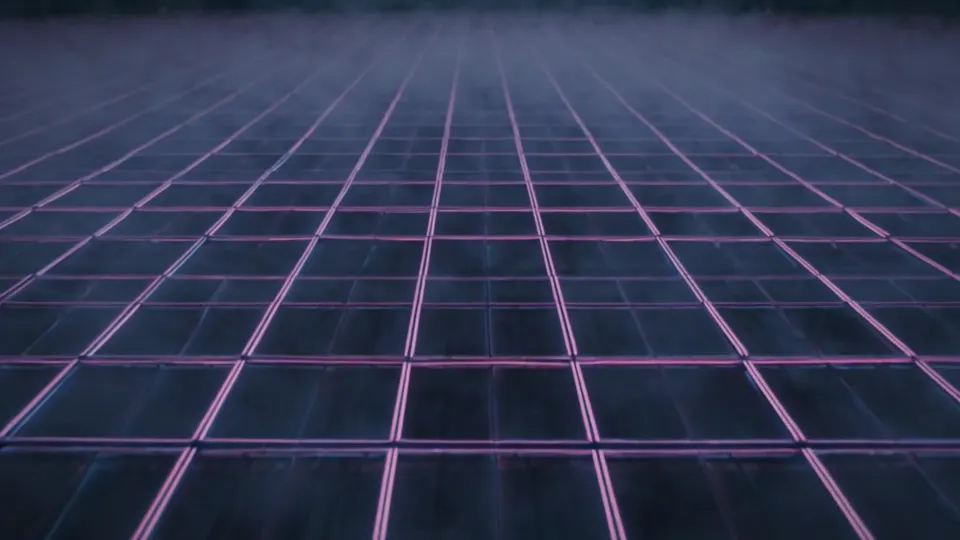 SDR 540p · loop · live scope
The scope reads the frame your browser displays, so an HDR clip is measured after tone mapping.
SDR: 540p to 1080p, 5 or 10 seconds.
127 creditsVerify your email for 127 free credits, one time only
Independent studio, not affiliated with Luma AI. Ray and Dream Machine are trademarks of their owner.
Three things the studio is built for
Each one has its own page with the settings, limits and prompts that work.
- HDR10
Ray 3.2 HDR clips
BT.2020 with PQ, 720p or 1080p, five seconds: footage with headroom for DaVinci Resolve, Premiere or Final Cut.
Open - Loop
Seamless loop video
Five-second SDR clips whose last frame meets the first, for LED walls, stage screens and backgrounds.
Open - Frames
Image to video
Animate your own still as the start frame, or give a start and an end and let the model fill the move.
Open
Draft in SDR, finish in HDR
A 540p SDR draft is the cheapest clip on the site, so spend on HDR only once the prompt is right.
- 01
Describe the shot
Subject, place, light and camera move in one or two sentences, or add a start frame.
- 02
Draft in SDR
Render a 540p draft and check motion and framing on the waveform.
- 03
Render the keeper
Switch to HDR10 at 720p or 1080p with the same prompt, or turn on the loop.
- 04
Grade and deliver
Download the MP4 and drop it on an HDR timeline in your grading app.
Clips made in this studio
Every example below came from the prompt printed under it. HDR examples play as an SDR preview here; the HDR10 file is one click away.
- HDR 720p
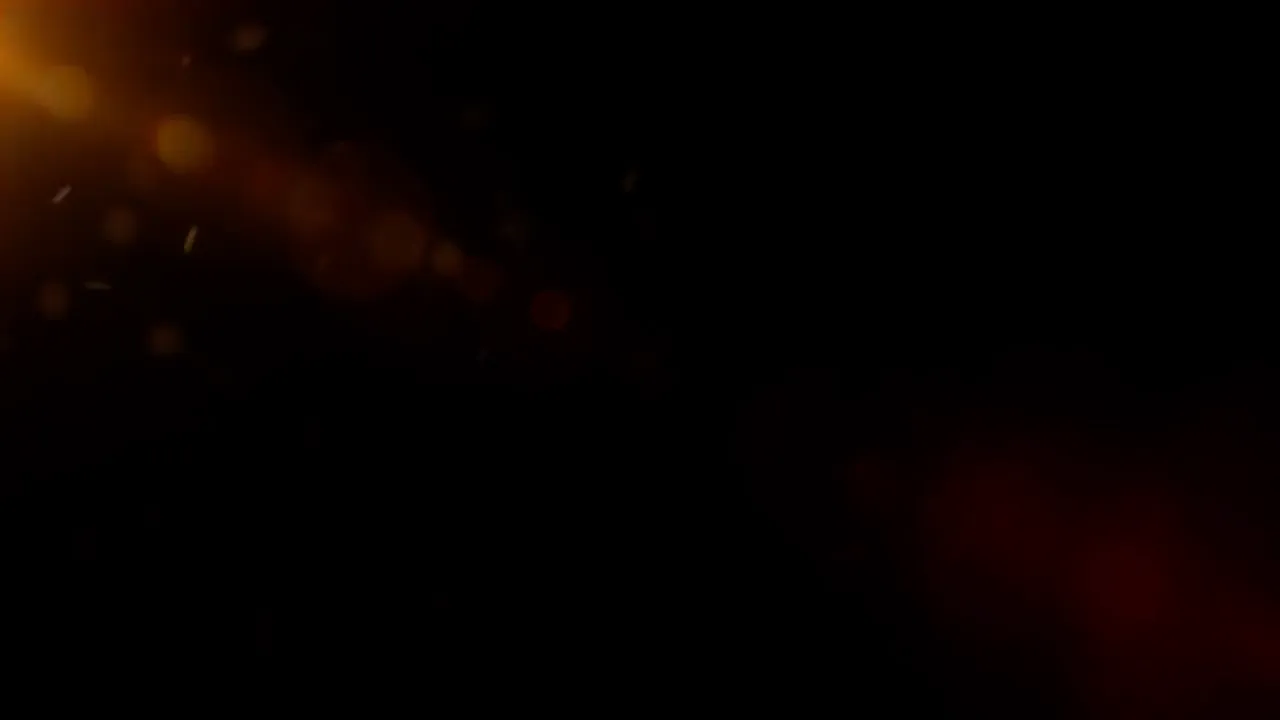 00:00.0
Amber light leaks and lens flares drifting over black
Warm amber light leaks and soft lens flares drifting slowly across a pure black background, gentle bokeh, slow motion, studio title-plate background
Plays as an SDR preview.HDR10 original
- HDR 720p
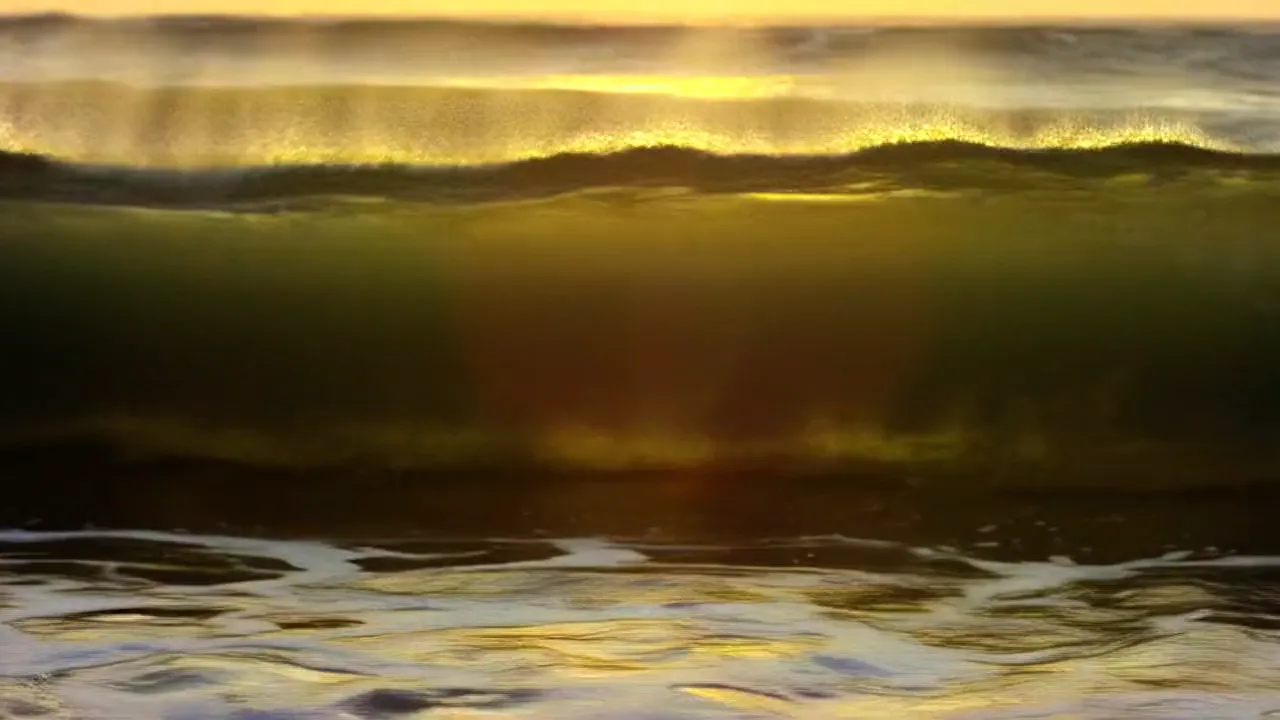 00:00.0
Low sun glinting on rolling sea waves at golden hour
Low sun glinting off rolling ocean waves at golden hour, bright specular highlights sparkling on the water, slow dolly forward just above the surface
Plays as an SDR preview.HDR10 original
- SDR 540p · loop
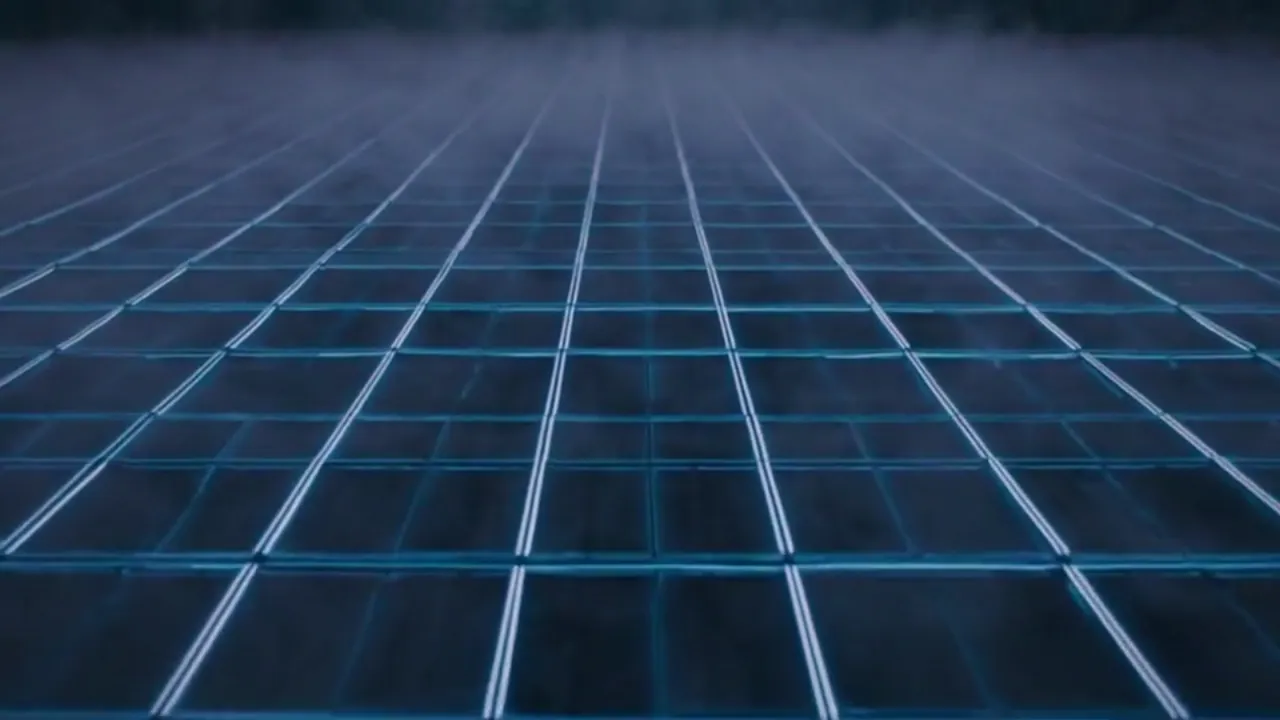 00:00.0
A glowing neon grid floor receding into fog, looping
Slow aerial drift over a glowing neon grid floor receding into fog, cyan and magenta light, seamless loop, stage screen background
- SDR 720p
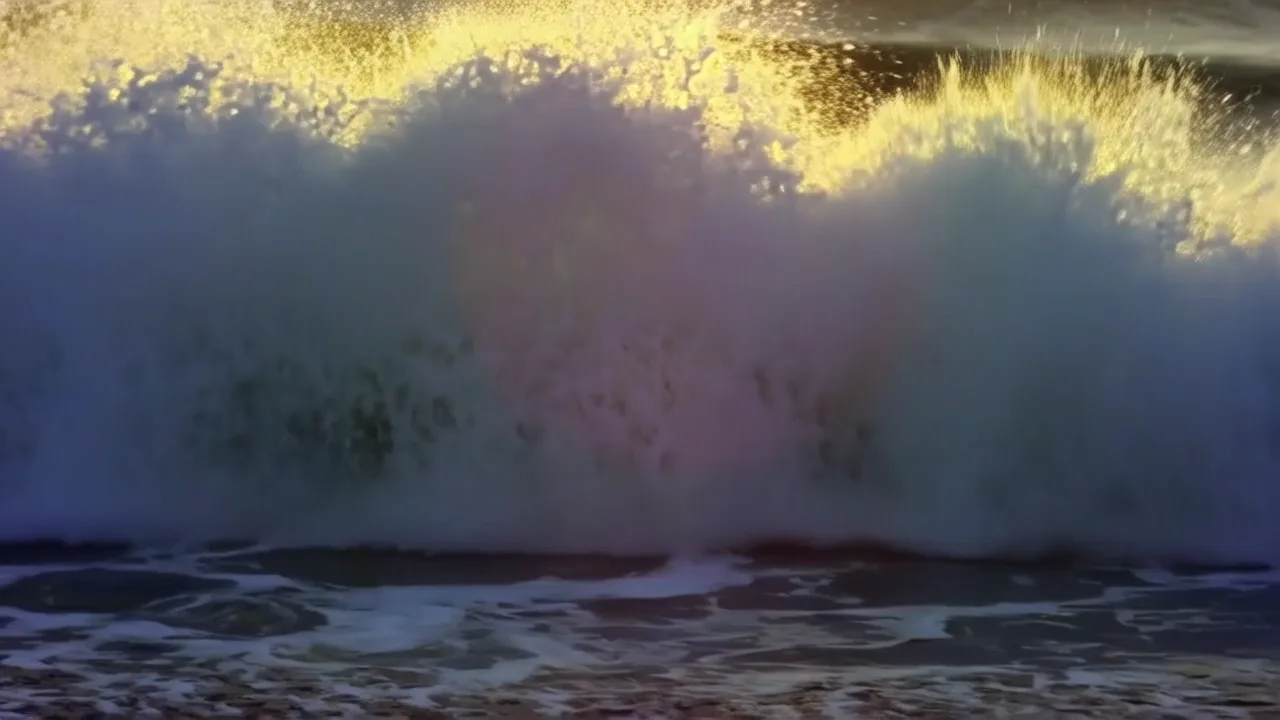 00:00.0
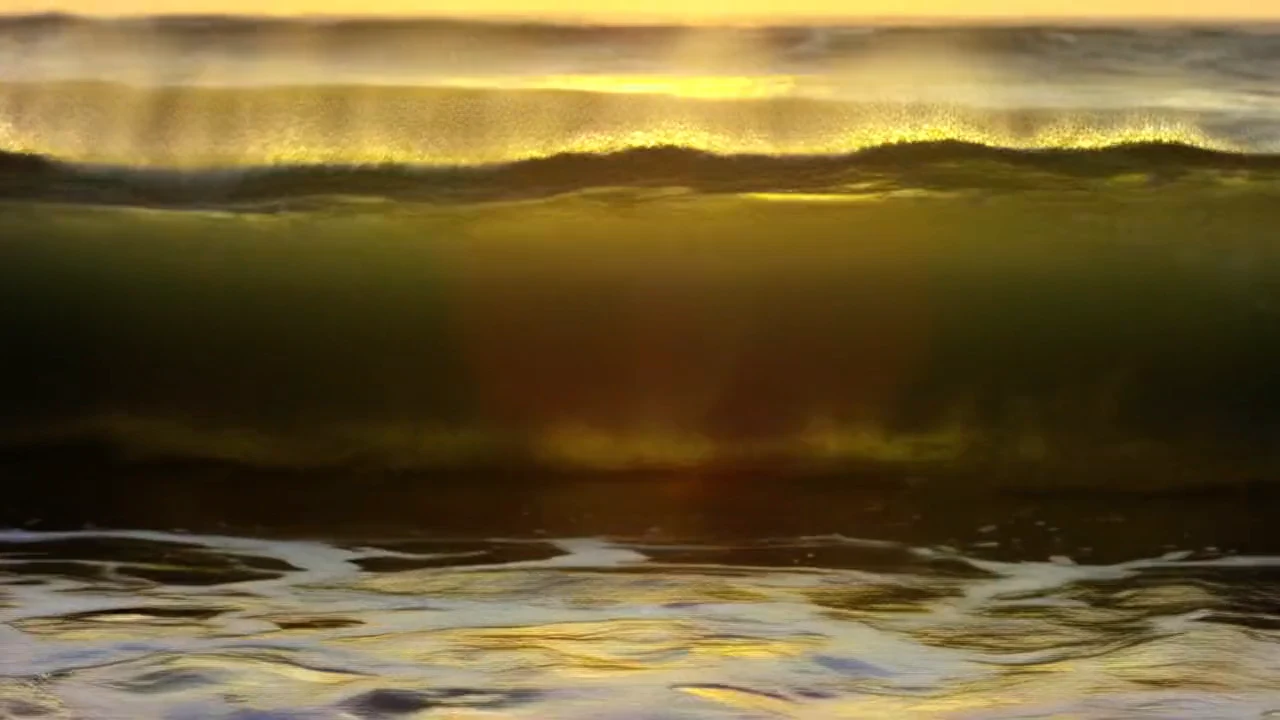
A golden-hour wave breaking into bright foam, animated from a still frame
The wave rolls forward and breaks into bright foam while the camera pulls back slowly, low sunlight flaring through the spray
Credits per clip
The price depends on the range, the resolution and the length. Frames, loops and frame shapes add nothing. A failed render is refunded.
| Clip | Credits | Clips on Rec.709 / month |
|---|---|---|
| SDR 540p · 5 s | 127 | 30 |
| SDR 720p · 5 s | 254 | 15 |
| SDR 540p · 10 s | 381 | 10 |
| HDR 720p · 5 s | 507 | 7 |
| SDR 720p · 10 s | 762 | 5 |
| SDR 1080p · 5 s | 1,014 | 3 |
| HDR 1080p · 5 s | 2,028 | 1 |
| SDR 1080p · 10 s | 3,042 | 1 |
About Ray 3.2 and Dream Machine
Ray 3.2 is Luma AI's video model. Luma's own app, Dream Machine, is where Luma offers it directly.
This studio sends your prompt and frames to Ray 3.2 and returns the file it makes. What we add is the workflow around it: SDR drafts before HDR, the rule checks before you spend, the waveform on every result and one credit balance for all of it.
- Range
- SDR MP4 at 540p, 720p or 1080p; HDR10 MP4 (BT.2020, PQ, 10-bit) at 720p or 1080p.
- Length
- 5 / 10 seconds. HDR clips, loops and clips with a frame are 5 seconds.
- Frames
- An optional start frame, end frame or both, from images you own.
- Frame shapes
- 16:9, 9:16, 1:1, 4:3, 3:4, 21:9. With a frame the clip follows the image's shape.
- Audio
- None: clips are silent, ready for your own music or sound design.
Who uses it
Editors and colourists
Plates and inserts that hold up on an HDR timeline, without stretching an SDR file.
Stage and LED wall designers
Loops that run for hours without a visible seam.
Motion designers
Backgrounds, light leaks and title plates from a sentence or a still.
Questions about LumaFlow.pro
What is LumaFlow.pro?
An independent web studio for Ray 3.2. You write a prompt or add frames, choose SDR or HDR10, and get an MP4 plus a waveform of the result. You pay with credits, and the cost shows before you press Create.
Is this the official Luma AI or Dream Machine website?
No. LumaFlow.pro is run independently and is not affiliated with, endorsed by or sponsored by Luma AI. Ray and Dream Machine are Luma AI's trademarks; we name Ray 3.2 because it is the model that makes your clips. For Dream Machine itself, go to Luma AI's own site.
Can I try it for free?
Yes. After you verify your email, the account receives 127 free credits, one time only: enough for one 5-second Ray 3.2 video at SDR 540p.
What is the difference between SDR and HDR10 here?
SDR is a standard Rec.709 MP4 that looks the same everywhere. HDR10 is a 10-bit BT.2020 file with the PQ curve: highlights keep their detail instead of clipping, which gives a colourist room to grade. HDR costs more and is limited to 720p or 1080p and 5 seconds.
Which Ray version runs here? Is there a Ray 4?
Every clip here comes from Ray 3.2. There is no Ray 4 release; this site runs Ray 3.2. If Luma AI ships a newer model, this page will say so when the studio offers it.
Do the clips have sound?
No. Ray 3.2 makes silent video, so every clip arrives without audio. Add music or sound effects in your editor.
Can I use the clips commercially?
Yes, once you have paid for a plan or the credit pack. Clips made on free credits are for personal use. Inputs must be yours or used with permission either way.
What if a render fails?
Its credits come back automatically. A prompt or image stopped by our safety screen is never charged.
Which images can I upload as frames?
Images you made, own or have permission to use, as JPG, PNG or WebP. Photos of real people need their consent; public figures and anyone under 18 are refused.
How long do you keep my clips and uploads?
Finished clips stay in Creations until you delete them or the retention period in our Privacy Policy ends. Download anything you want to keep.
Draft it in SDR, keep it in HDR
Open the studio, write one sentence and see the waveform before you spend on the master.
Open the studio