
Start frame · end frame
Image to video with a start and an end frame
Upload a still you own as the start frame and Ray 3.2 sets it in motion. Add an end frame too and the model works out the movement between the two images.
SDR: 540p to 1080p, 5 or 10 seconds.
127 creditsVerify your email for 127 free credits, one time only
Independent studio, not affiliated with Luma AI. Ray and Dream Machine are trademarks of their owner.
Animating an image
Use the frame tiles in the studio above.
- 01
Add the start frame
JPG, PNG or WebP that you made or have permission to use.
- 02
Add an end frame (optional)
The clip will arrive at this image; it works best when both frames share the same scene.
- 03
Describe the move
Say what moves and what the camera does, not what is already in the picture.
- 04
Pick SDR or HDR10
Frames work with both. The clip is 5 seconds and keeps the image's shape.
Frame settings and limits
What changes when a clip starts from an image.
- Inputs
- One start frame, one end frame, or both.
- Length
- 5 seconds.
- Shape
- Follows the image, so the frame-shape picker is set aside.
- Range
- SDR at 540p to 1080p, or HDR10 at 720p or 1080p.
- Loop
- Possible with a start frame only.
Getting the move you want
Start sharp
A clean, well-exposed image gives the model more to hold on to than a small or noisy one.
Keep the two frames related
Same place, same light, a different moment: the model fills the gap smoothly.
Describe motion, not content
“Slow push in as the mist lifts” beats repeating what the image already shows.
Clips made from a start frame
- SDR 720p
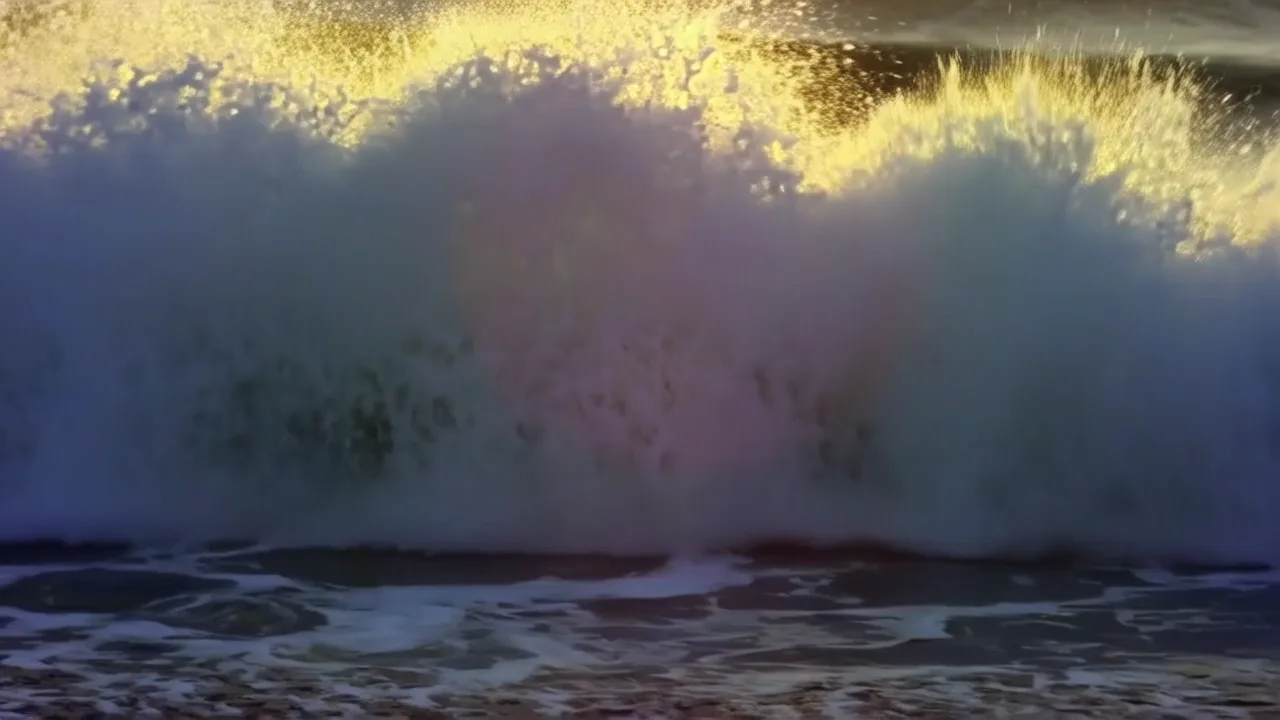 00:00.0
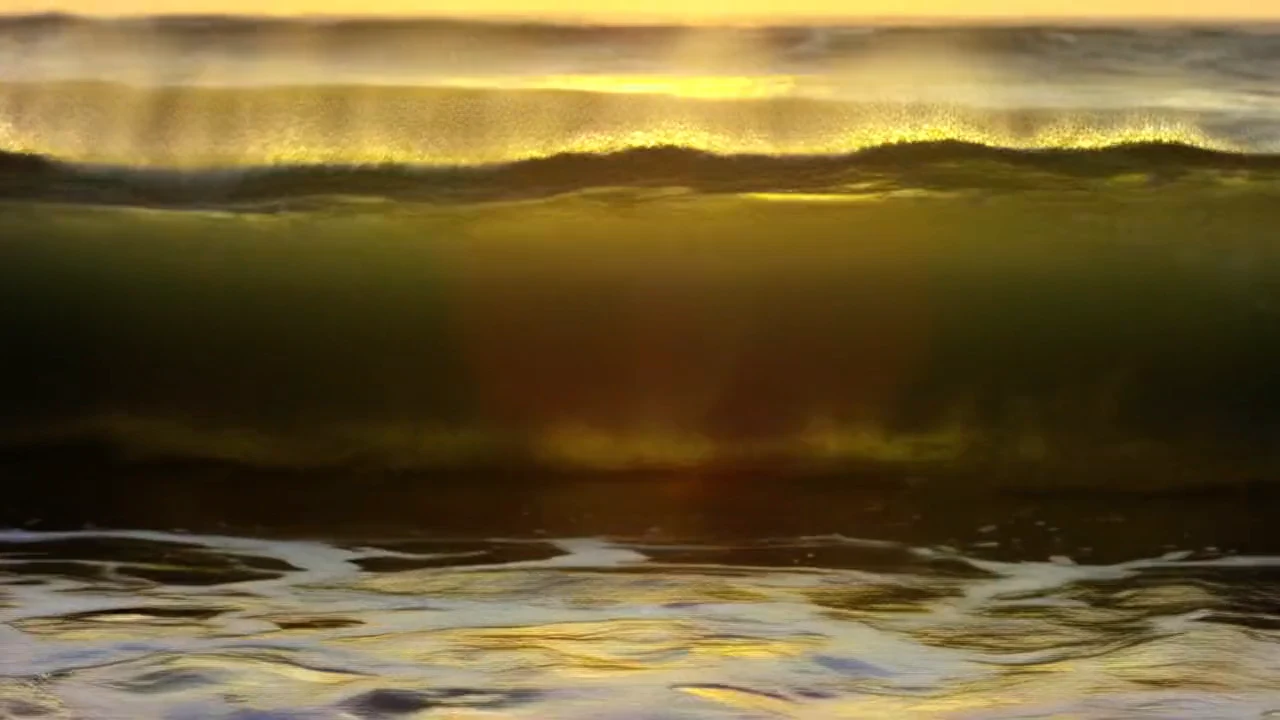
A golden-hour wave breaking into bright foam, animated from a still frame
The wave rolls forward and breaks into bright foam while the camera pulls back slowly, low sunlight flaring through the spray
- SDR 540p
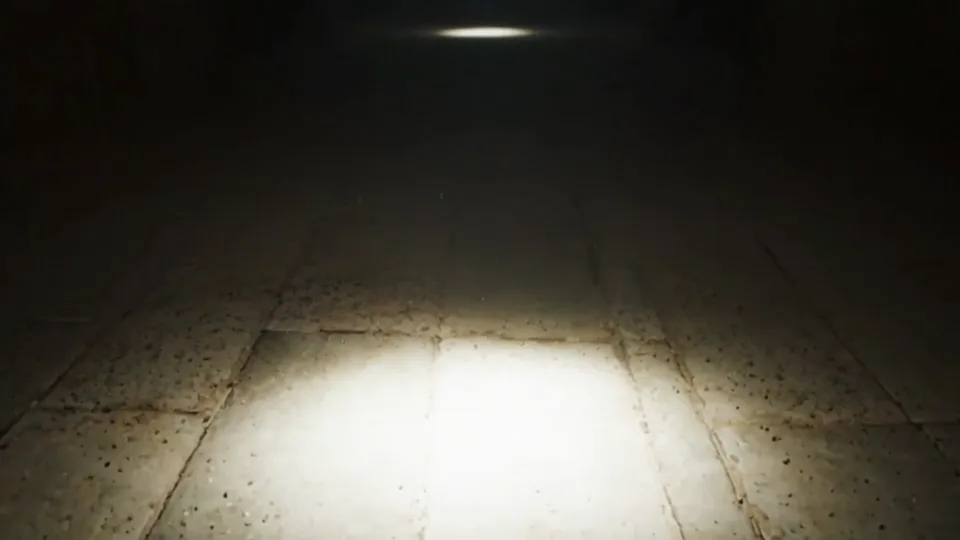 00:00.0
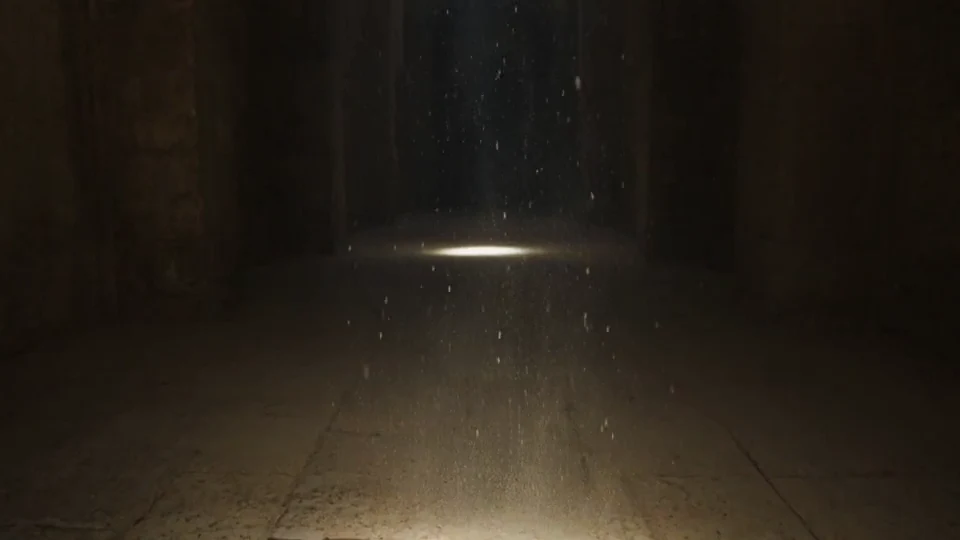
A shaft of light widening over a stone floor, animated from a still frame
The shaft of light slowly widens and brightens as dust swirls upward through it, gentle push in toward the glowing spot on the stone floor
Credits per clip
| Clip | Credits | Clips on Rec.709 / month |
|---|---|---|
| SDR 540p · 5 s | 127 | 30 |
| SDR 720p · 5 s | 254 | 15 |
| SDR 540p · 10 s | 381 | 10 |
| HDR 720p · 5 s | 507 | 7 |
| SDR 720p · 10 s | 762 | 5 |
| SDR 1080p · 5 s | 1,014 | 3 |
| HDR 1080p · 5 s | 2,028 | 1 |
| SDR 1080p · 10 s | 3,042 | 1 |
More from the studio: Ray 3.2 HDR clipsSeamless loop video
Image-to-video questions
Can I upload a photo of a person?
Only with that person's consent, which you confirm before uploading. Public figures and anyone under 18 are refused.
What does the end frame do?
It sets where the clip finishes. With both frames, Ray 3.2 animates the path from the first image to the second.
Why can't I choose a frame shape with an image?
The clip takes the shape of your image, so crop the image to the shape you want before uploading.
Can an image clip be 10 seconds?
No. Clips with a start or end frame are 5 seconds.
Do frames cost extra?
No. A clip with frames costs the same as a text-only clip at the same range and resolution.
Bring a still to life
Add your image as the start frame and describe the move.
Open the studio