
HDR10 · BT.2020 · PQ
Ray 3.2 HDR video, as a real HDR10 file
Turn on HDR10 and Ray 3.2 renders a 10-bit BT.2020 MP4 with the PQ curve at 720p or 1080p. Bright skies, flares and practical lights keep their detail, so a colourist has room to work.
HDR10: 720p or 1080p, 5 seconds, no loop.
507 creditsVerify your email for 127 free credits, one time only
Independent studio, not affiliated with Luma AI. Ray and Dream Machine are trademarks of their owner.
Making an HDR clip
The studio above opens with HDR10 on. Drafting in SDR first saves credits.
- 01
Write for light
HDR pays off where the scene has range: sun on water, neon at night, a lamp in a dark room.
- 02
Check the motion in SDR
A 540p SDR draft shows the move and the framing for a fraction of the HDR price.
- 03
Render HDR10
Pick 720p or 1080p. HDR clips are 5 seconds and play as a preview on SDR screens.
- 04
Grade on an HDR timeline
Set the project to Rec.2100 PQ and bring the MP4 in; it is tagged so the app reads it correctly.
What the HDR file is
Checked on a clip made in this studio before launch.
- Container and codec
- MP4, HEVC Main 10 (10-bit 4:2:0).
- Colour
- BT.2020 primaries, PQ (SMPTE ST 2084) transfer: HDR10.
- Resolution and length
- 720p or 1080p, 5 seconds at 24 frames per second.
- Not available with HDR
- 540p, the 10-second length and loops; those are SDR settings.
- Audio
- None. Add it in your editor.
Prompts that use the range
Name the light source
“Low sun behind the waves” gives the model a highlight to protect; “nice lighting” does not.
Keep shadows in frame
Contrast is what HDR shows off. A dark foreground under a bright sky reads better than an evenly lit scene.
Slow camera, short move
Five seconds suits one push-in or one drift. Several moves in one clip tend to blur.
HDR clips made here
- HDR 720p
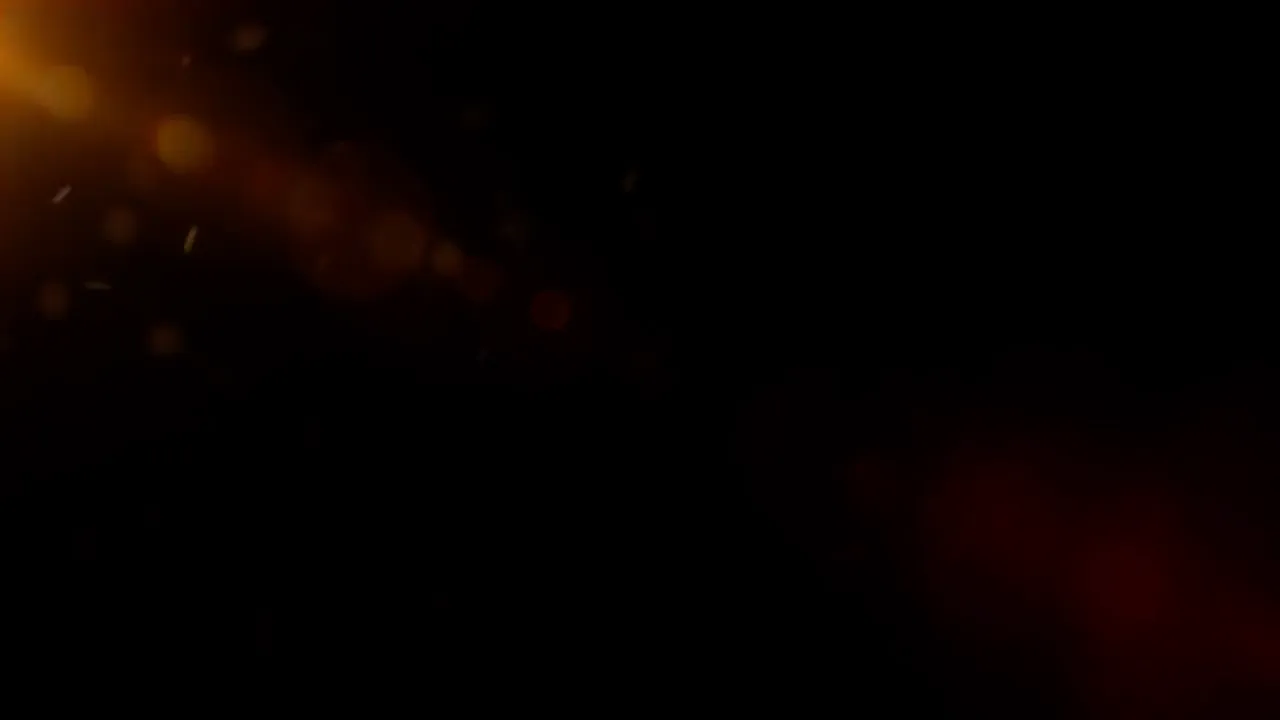 00:00.0
Amber light leaks and lens flares drifting over black
Warm amber light leaks and soft lens flares drifting slowly across a pure black background, gentle bokeh, slow motion, studio title-plate background
Plays as an SDR preview.HDR10 original
- HDR 720p
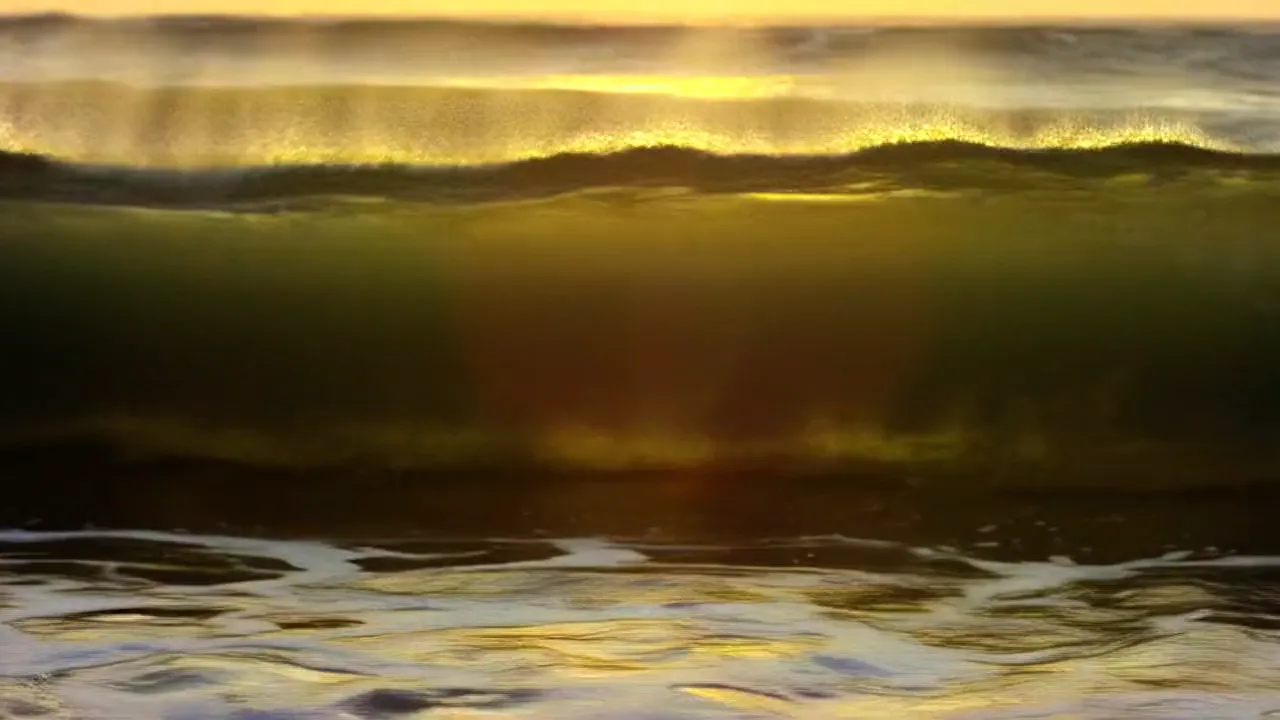 00:00.0
Low sun glinting on rolling sea waves at golden hour
Low sun glinting off rolling ocean waves at golden hour, bright specular highlights sparkling on the water, slow dolly forward just above the surface
Plays as an SDR preview.HDR10 original
HDR and SDR credits per clip
| Clip | Credits | Clips on Rec.709 / month |
|---|---|---|
| SDR 540p · 5 s | 127 | 30 |
| SDR 720p · 5 s | 254 | 15 |
| SDR 540p · 10 s | 381 | 10 |
| HDR 720p · 5 s | 507 | 7 |
| SDR 720p · 10 s | 762 | 5 |
| SDR 1080p · 5 s | 1,014 | 3 |
| HDR 1080p · 5 s | 2,028 | 1 |
| SDR 1080p · 10 s | 3,042 | 1 |
More from the studio: Seamless loop videoImage to video
HDR questions
Why does the HDR clip look flat or dull in my browser?
Most browsers and SDR monitors tone-map HDR10 down, and some show PQ footage without converting it at all. Open the download in an HDR-aware player or grading app on an HDR display to see the real highlights.
Which apps can grade the file?
Any app that reads HEVC Main 10 with HDR10 tags, including DaVinci Resolve, Premiere Pro and Final Cut Pro. Put it on a Rec.2100 PQ timeline.
Can I get an EXR sequence?
No. The studio delivers HDR10 MP4 only, because that is the HDR output we verified end to end.
Why is HDR limited to 5 seconds and 720p or 1080p?
Those are the settings Ray 3.2 accepts for HDR. The studio switches them for you when you turn HDR10 on, so a render is never refused for the wrong setting.
Can I start an HDR clip from my own image?
Yes. Add a start or end frame as usual; the clip takes the image's shape and stays 5 seconds.
How many credits does an HDR clip use?
An HDR10 clip is 507 credits at 720p and 2,028 at 1080p. The plan cards on the pricing page count how many each plan pays for.
Render your first HDR10 clip
Draft the shot in SDR, then switch on HDR10 for the master.
Open the studio